
Client
Arjan Technologies
Industry
Marketing Automation
Country
Kingdom of Saudi Arabia
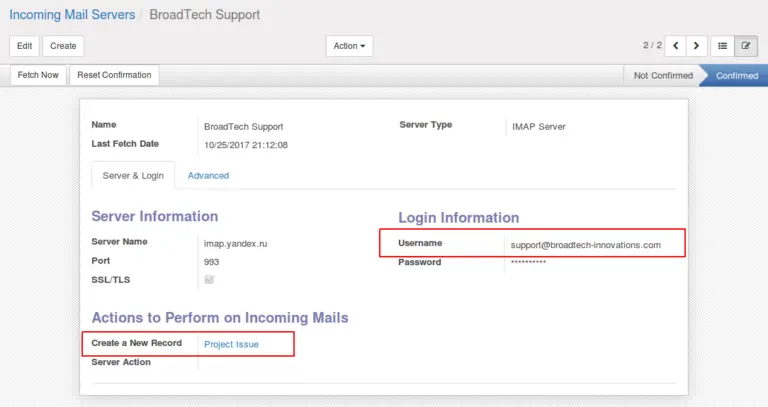
The module has added a new system parameter which will help to control the “Reply to” address string. It can be configured with your company details.
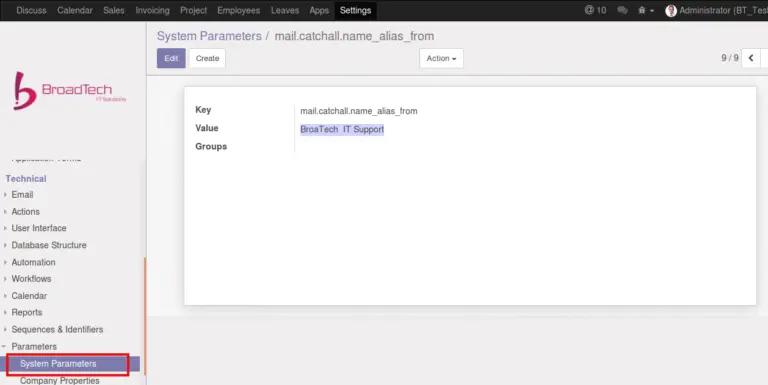
Now, configure support requests to channel the requests to the right account and the right person, automatically. From project configuration section check for the new menu ‘Support Requests’. The form has three fields. Sender’s email, Sender’s Account and Staff Responsible . Sender is the person who is responsible and authorized to communicate with the support team in connection with a particular project/account. The screen indicates that the email configured is an authorized address corresponding to the project(account) “ABC Legal Services”. If a support requests comes from the address, it will be fetched and created as a ticket(issue) under the project(account) “ABC Legal Services”. The window also prompts to select the user/employee responsible for taking up the issue. The new issued will be assigned to the selected person, automatically.
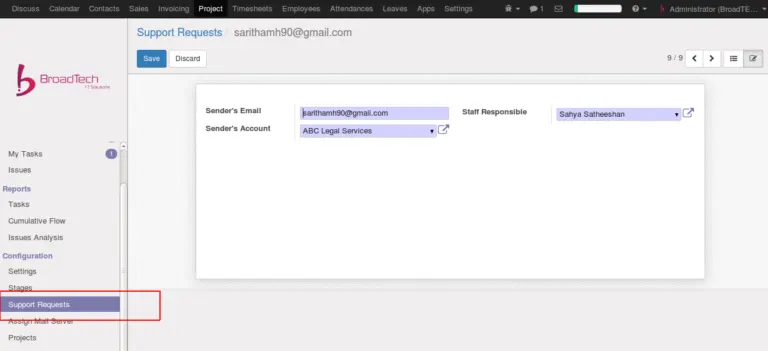
It is possible to configure multiple senders for one account. That means there will be “N” number of support request records per project(account), if there are “N” number of authorised email ids.
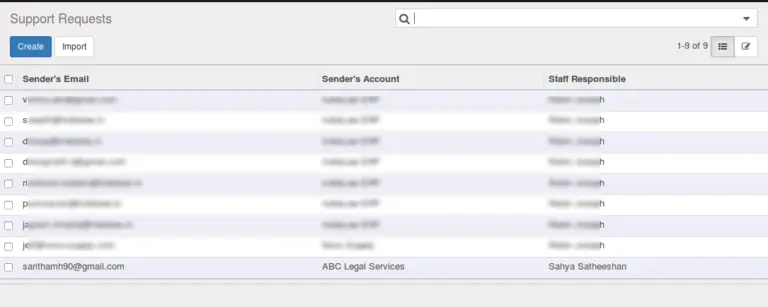
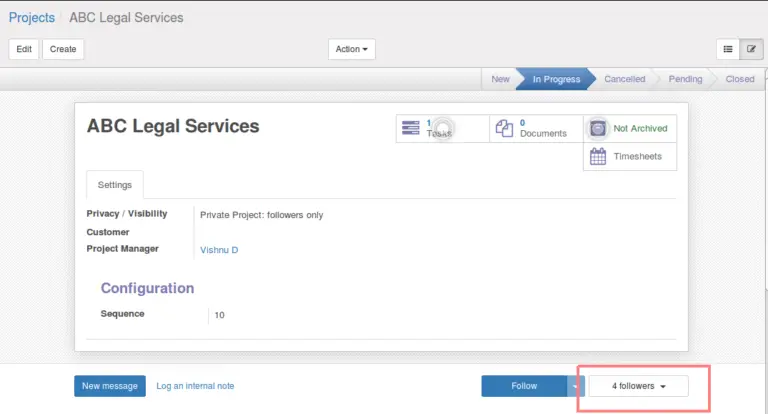
The Project or account can have multiple followers. Followers of the project will automatically be added as followers of each new ticket(issue) created.
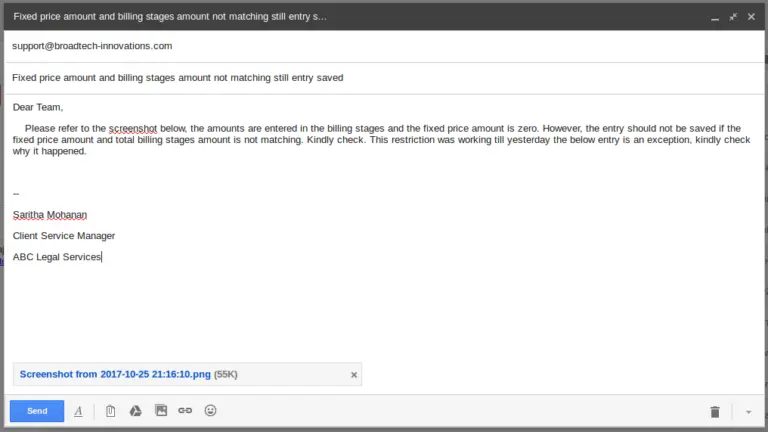
Following is a sample email sent to broadtech support from an authorized email address. The ticket is supposed to be created under the account “ABC Legal Services” and it shall be assigned to an employee based on support configuration.
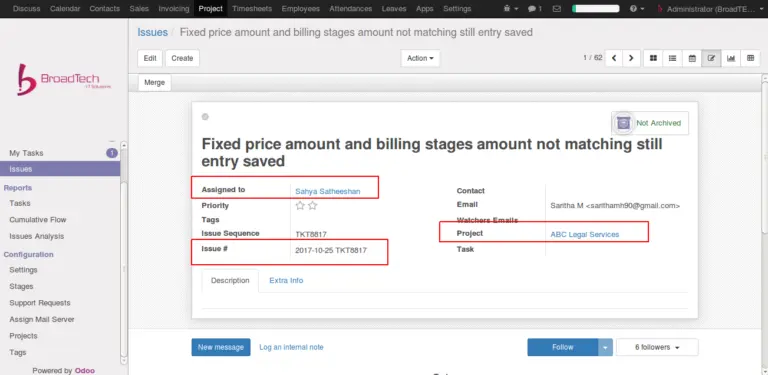
Once the incoming mail server fetches the mail, the ticket will be created. “Project” and “Assigned To” fields are filled as per the support request configuration. Ticket reference(Issue #) will also be generated automatically.
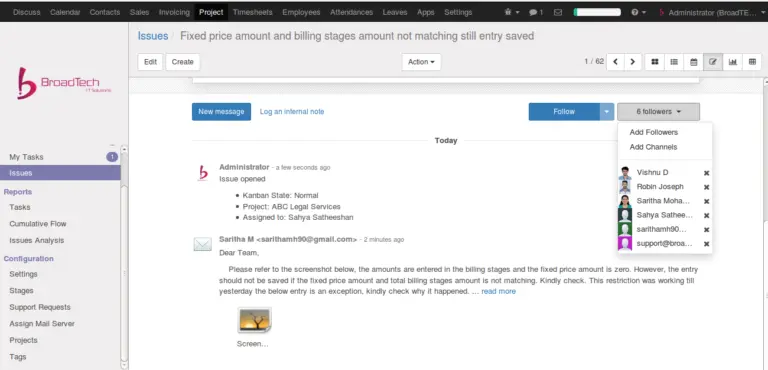
The email body and attachments will be visible under the chatter area.
Notification email to the sender – Once the ticket is created sender of the request will receive an automated response.
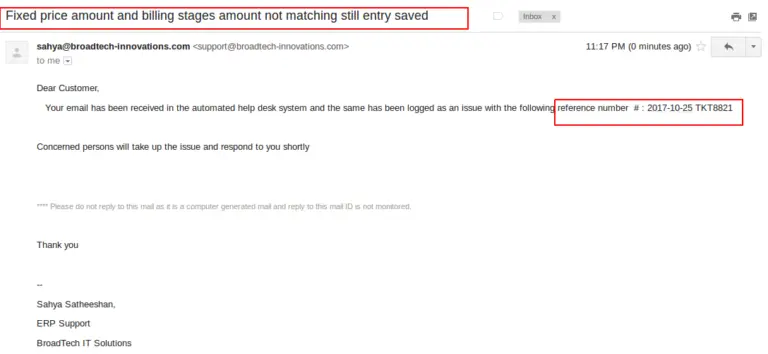
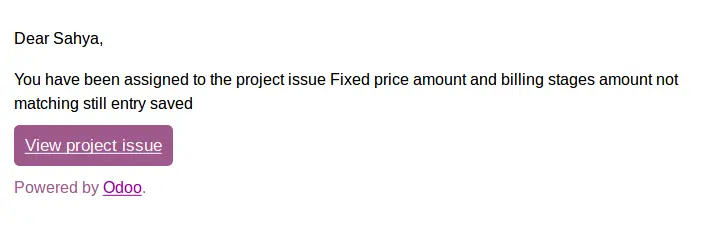
Automatic Notification Email will be sent to the responsible user indicating that he/she has been assigned with the ticket.
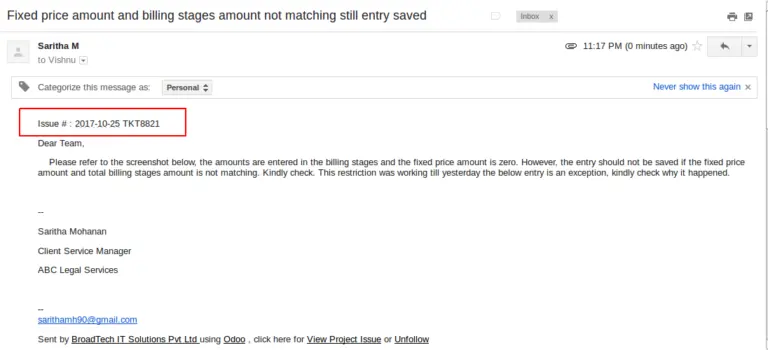
The assigned person as well as followers of the account will receive the contents and attachments from the original email along with the issue reference as a new email which can be termed as the ticket email.
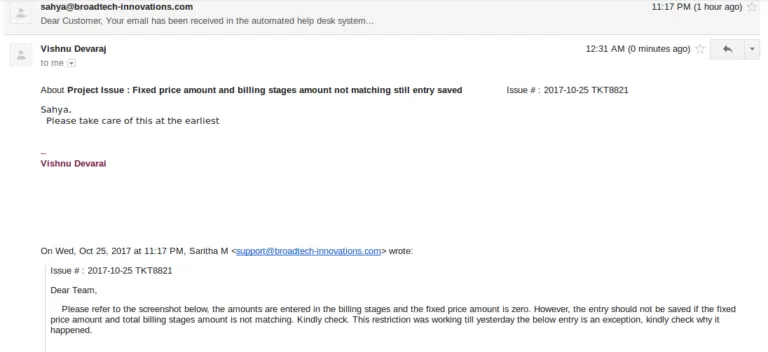
Replies sent to the ticket emails shall be stored under the ticket and the same shall be sent to the emails of all the followers. That means, the followers don’t have to directly refer the ticket. All the communications shall be available under one thread.
Please refer link to the module in Odoo Apps https://apps.odoo.com/apps/modules/10.0/bt_ticketing/
Official Member Of:







All Contents © Copyright. BroadTech IT Solutions 2026. All Rights Reserved.