
Client
Arjan Technologies
Industry
Marketing Automation
Country
Kingdom of Saudi Arabia
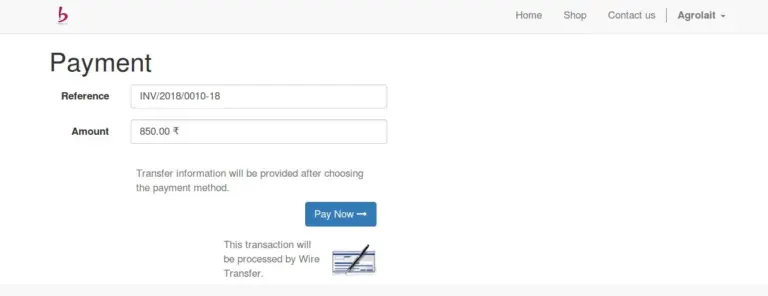
But the standard invoice payment feature from portal (Odoo v10) has a drawback. It allows only the default payment method (Wire Transfer) and the user has no other choices left. This app introduces multiple payment methods in the Portal Invoice Payment flow. All the Payment Acquirers configured and “Published On Website” shall be available as payment methods after installing the app.
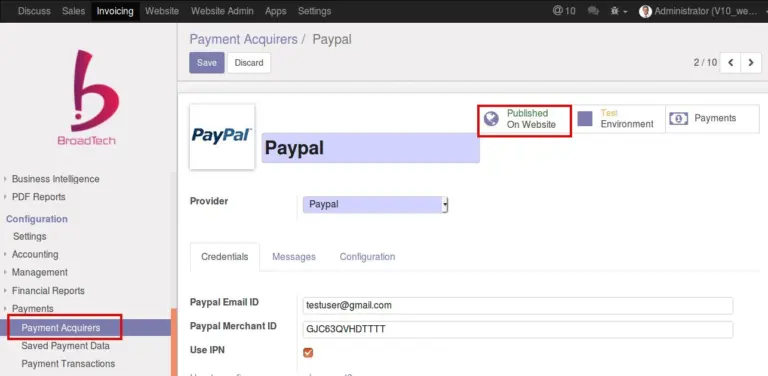
The image shows one payment acquirer record which is “Published On Website”.
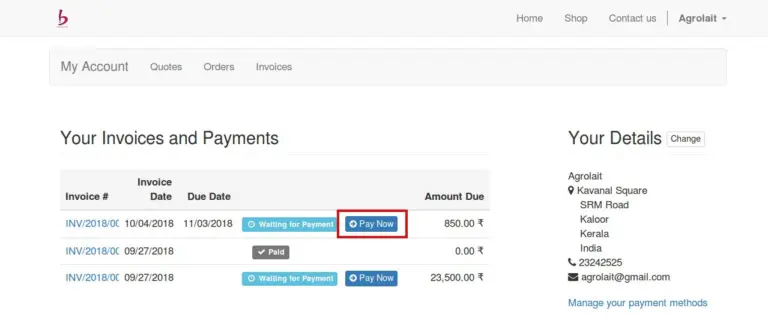
When customer login as a portal user, he can see the list of invoices, and the “Pay Now” button against unpaid invoices.
The Pay Now button will lead to a form showing invoice details and payment methods. Now, this is no more the standard screen with only one payment method, but a custom screen with all available payment methods.
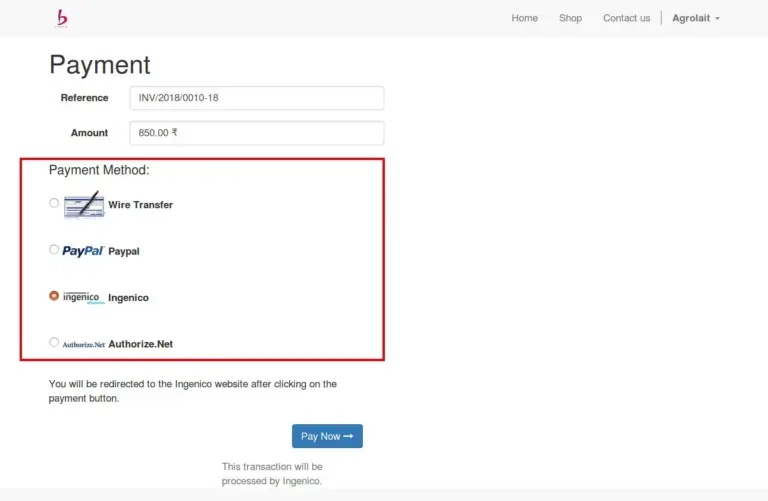
From the list of payment methods customer can choose one and proceed with payment, which would register payment and change the status of the Invoice.
Please refer link to the module in Odoo App.
https://apps.odoo.com/apps/modules/10.0/bt_portal_invoice_payment_all_methods/
Official Member Of:







All Contents © Copyright. BroadTech IT Solutions 2026. All Rights Reserved.