
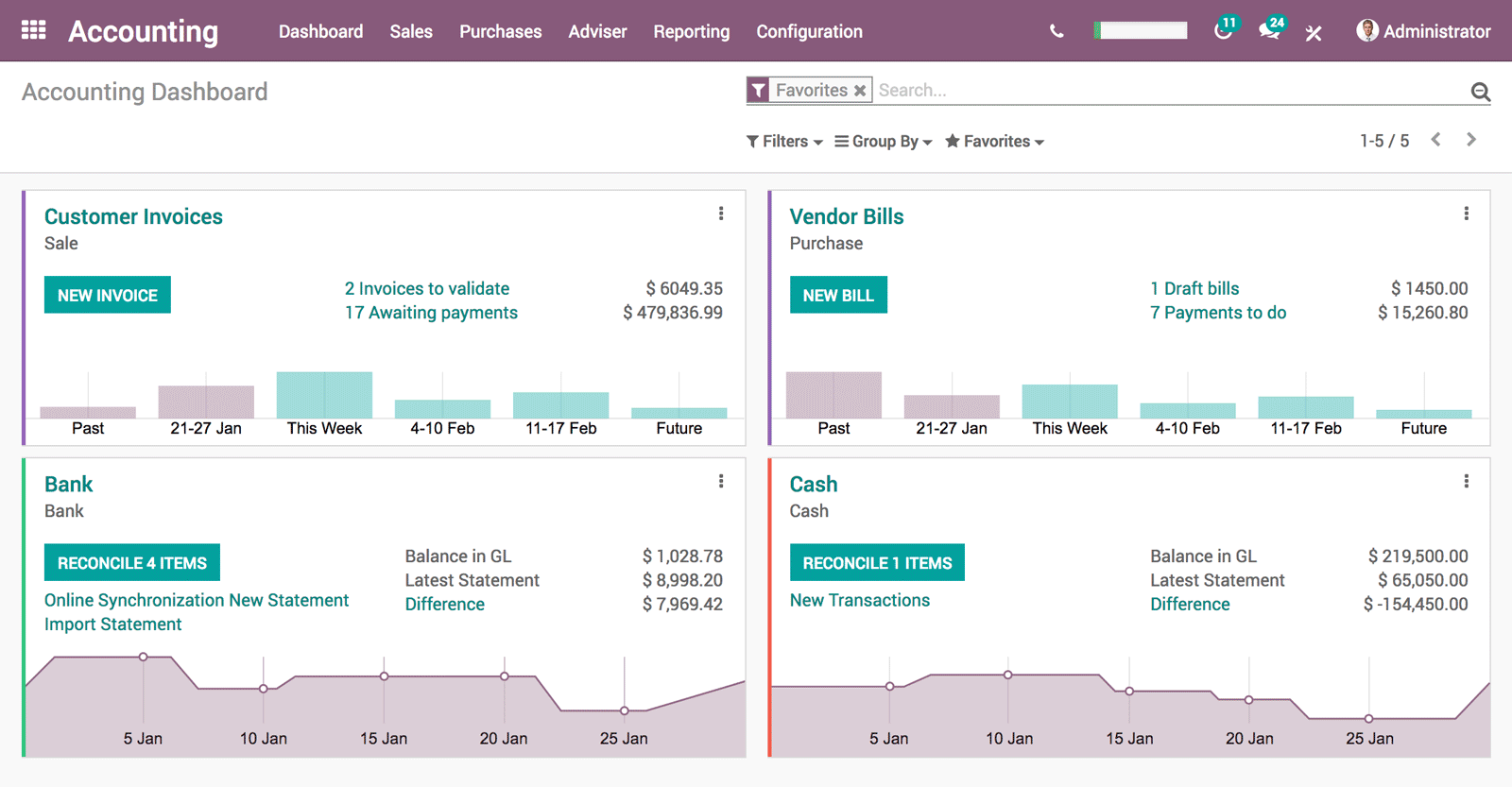
1. Warehouse Settings –
- Generate Accounting Entries Per Stock Move
- Calculate Landed Cost on products(Optional)
2. Purchase Settings -Use “Real Price” or “Average” Costing Method
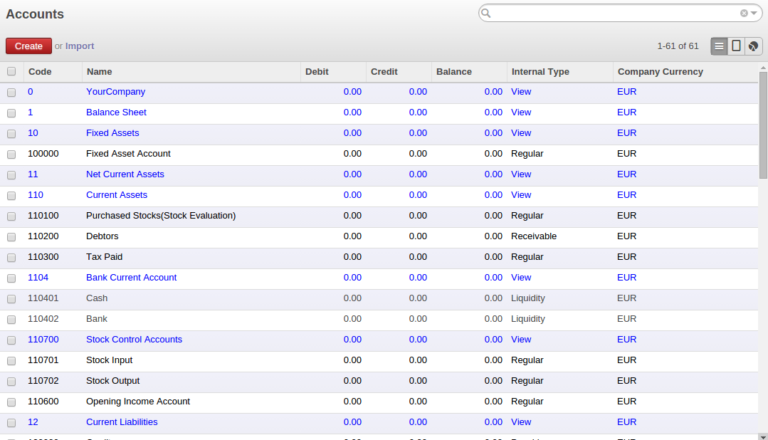
3.Create Stock Accounts
-
- Stock Valuation Account (Internal Type : Regular, Account Type : Asset) under Current Assets
- Stock Control Accounts (Internal Type : View, Account Type : Asset View) under Current Assets
- Stock Input Account (Internal Type : Regular, Account Type : Asset) under Stock Control Accounts
- Stock Output Account(Internal Type : Regular, Account Type : Asset) under Stock Control Accounts
- Expense Account for landed cost (Optional)
4. Define a new journal – Stock Journal
5. Configure Stock Valuation Account, Stock Input Account, Stock output Account and Stock Journal in Product Category Master
6. Configure Product Type as “Stockable” and Costing Method as “Real Price” in Product Master
7. Configure
8. Create PO, Receive Product
9. Check Stock Journal Entries
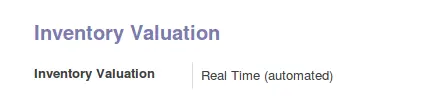
10. Check Current Inventory Valuation
Please refer the video for more details. https://www.youtube.com/watch?time_continue=9&v=2MACWsV0dP8
Official Member Of:







All Contents © Copyright. BroadTech IT Solutions 2026. All Rights Reserved.