
Client
Arjan Technologies
Industry
Marketing Automation
Country
Kingdom of Saudi Arabia
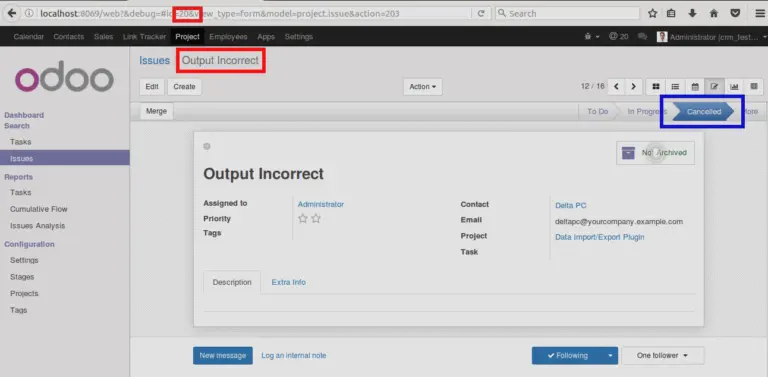
Here it is explained with an example. The image below shows the first issue ‘Output Incorrect’.
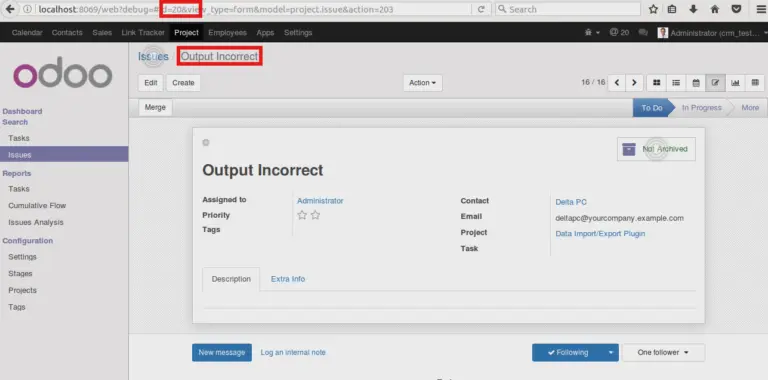
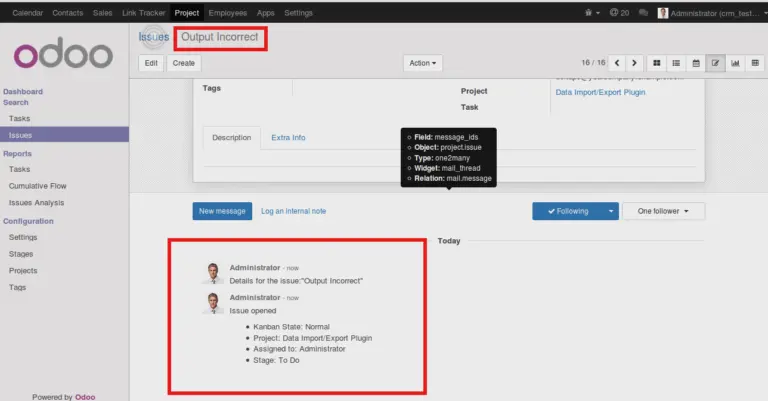
Issue name and communication history under the issue are highlighted.
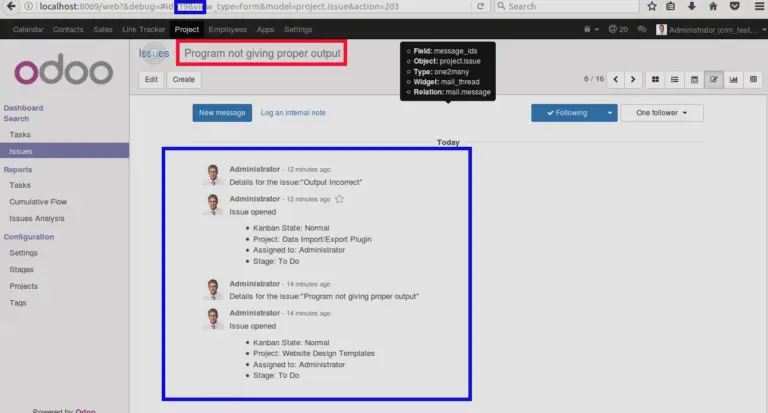
‘Program not giving proper output’ is the second issue.
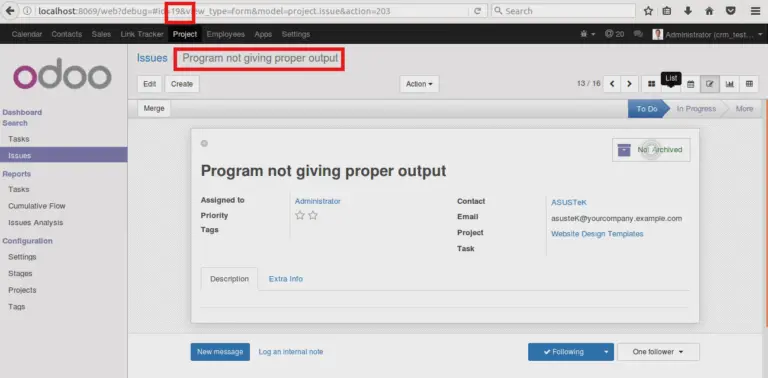
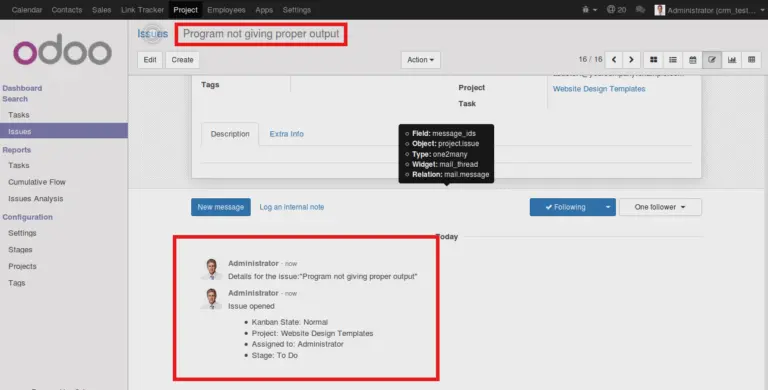
Issue name and communication history under the second issue are highlighted in the image.
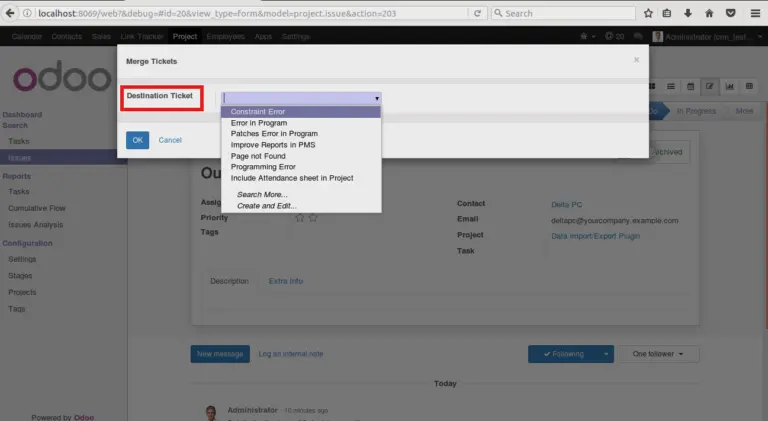
In this example we are going to merge the first issue with the second one. For this, open the first issue (source issue) and click the ‘Merge button.
In the pop up wizard, you can select the second issue(Destination issue) and perform merge operation.
Once the issues are merged, the first issue will get cancelled.
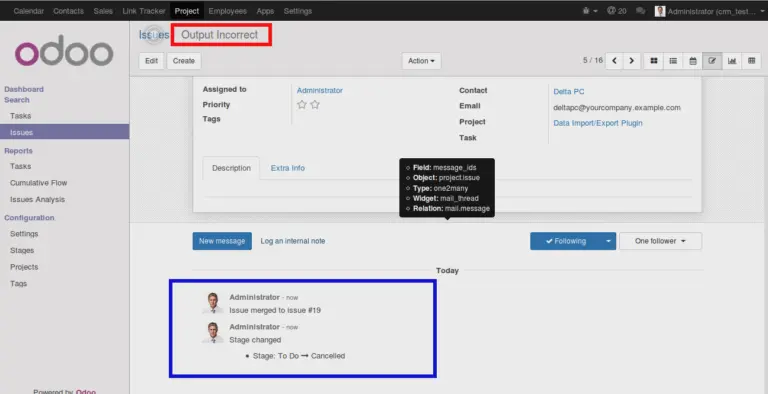
The whole communications and information corresponding to the first issue will be removed from there and those will appear under the second issue.
This is how the second issue(destination issue) appears after merge.
Please refer link to the module in Odoo Apps https://apps.odoo.com/apps/modules/10.0/bt_merge_issue/
Official Member Of:







All Contents © Copyright. BroadTech IT Solutions 2026. All Rights Reserved.