
Client
Arjan Technologies
Industry
Marketing Automation
Country
Kingdom of Saudi Arabia
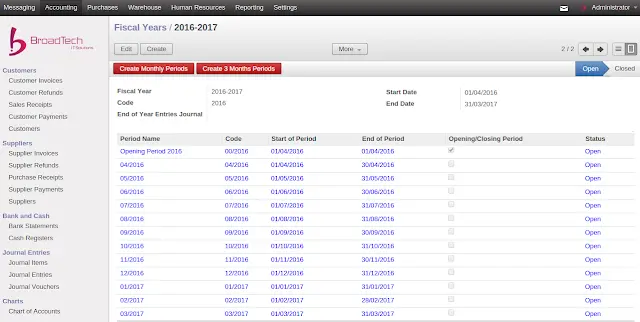
Step 1 : Create new financial year
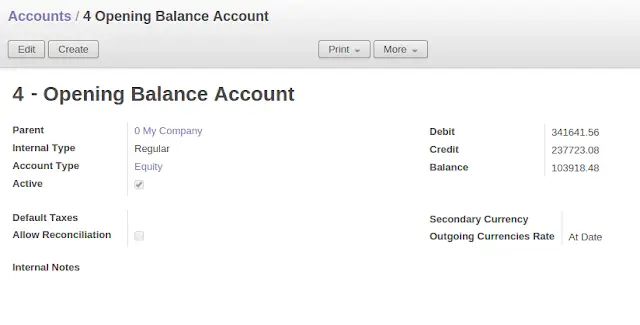
Step 2 : Create a new account for Opening Balance Entries (If there doesn’t exist one already)
Parent : 0- My Company
Internal Type : Regular
Account Type : Equity
Configure proper deferral method in account type. In the given example i am choosing “Balance” as the deferral method.
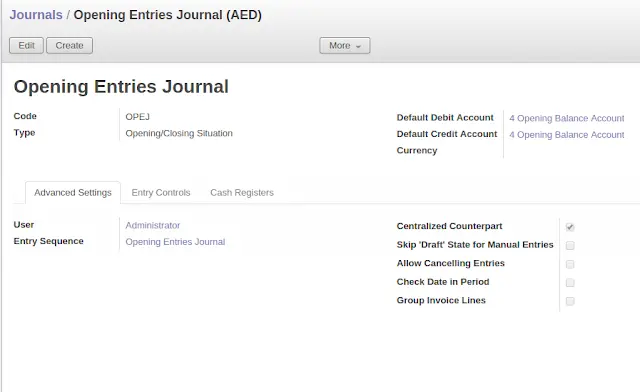
Step 3 : Create a new Journal for Opening Balance (If there doesn’t exist one already)
Type – Opening/Closing
Set the debit and credit accounts to the new account we created in step 2
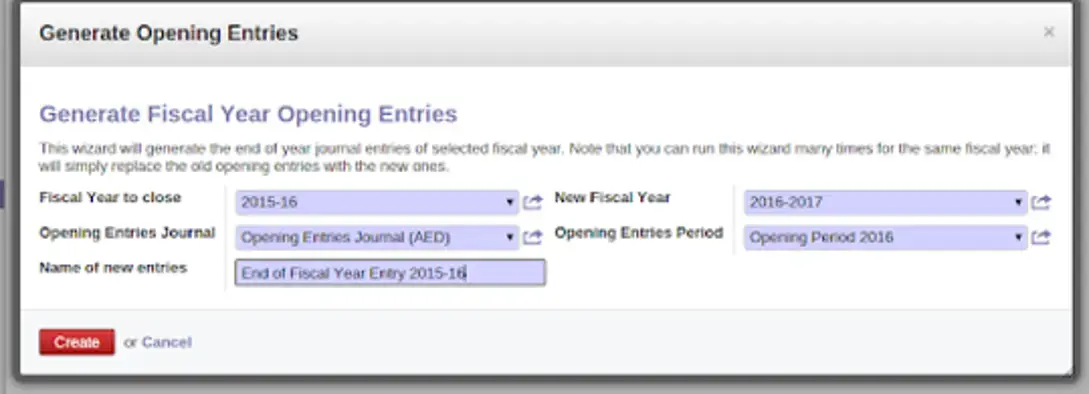
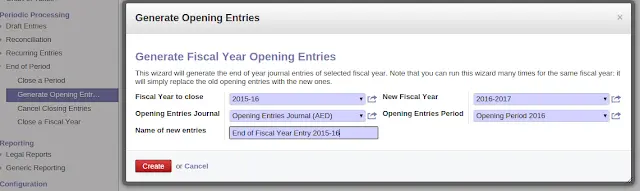
Step 4 : Go to Accounting / Periodic Processing / End of Period / Generate Opening Entries.
Fill in required information and create Opening Entires.
For more details, please follow the below video.
Official Member Of:







All Contents © Copyright. BroadTech IT Solutions 2026. All Rights Reserved.