Client
Arjan Technologies
Industry
Marketing Automation
Country
Kingdom of Saudi Arabia
Docker Pull Command
docker pull broadtech/debian-stretch-mongodb
https://hub.docker.com/r/broadtech/debian-stretch-mongodb/
latest: digest: sha256:1af066db3b4c030fd14904c7e11c2021920cdb348a80d097ec1751ee29860ff0
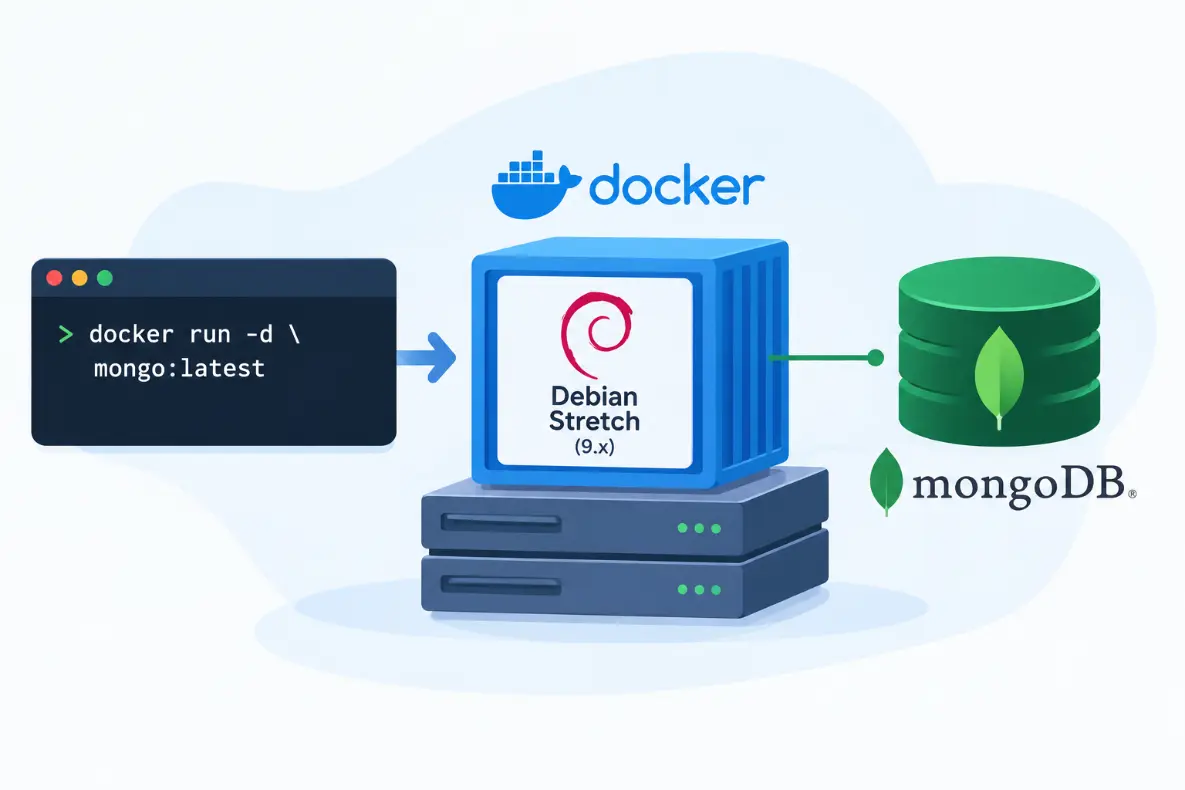
This repository image contains Debian Stretch Linux from which MongoDB service can be run automatically.
Steps:
- Install Docker daemon if you already have not
https://docs.docker.com/engine/installation/ - Deploy MongoDB from the image in this repository
$ sudo docker run broadtech/debian-stretch-mongodb:latest
You will see something similar to this on screen:
Unable to find image ‘broadtech/debian-stretch-mongodb:latest’ locally
latest: Pulling from broadtech/debian-stretch-mongodb
c75480ad9aaf: Already exists
2573503b640f: Pull complete
85850e4fdb73: Pull complete
867e37a24fb6: Pull complete
821911695928: Pull complete
Digest: sha256:d48138959bf114b88c01a6ba1195708a6dcd6b84df79eca0b580b34e13cdfe30
Status: Downloaded newer image for broadtech/debian-stretch-mongodb:latest
Next MongoDB will start automatically and Listen on TCP PORT 27017
You can connect to it from host using any MongoDB client
First get container ID
$ sudo docker ps -a
CONTAINER ID IMAGE
f2794236e8e6 broadtech/debian-stretch-mongodb:latest
Next, find the IP Address of the running container
$ sudo docker inspect f2794236e8e6 |grep “IPAddress”
“SecondaryIPAddresses”: null,
“IPAddress”: “172.17.0.2”,
“IPAddress”: “172.17.0.2”,
Finally connect to the container from host
$ mongo 172.17.0.2
MongoDB shell version: 3.2.11
connecting to: 172.17.0.2/test
Welcome to the MongoDB shell.
MongoDB sometimes comes without a default password and this has cause exposure of Data on the Internet.
https://www.shodan.io/search?query=mongodb
So please be sure to provide passwords for users if you wish to expose your MongoDB server to the outside world.
More Information at
https://docs.docker.com/v1.11/engine/reference/run/#detached-d
https://wiki.debian.org/DebianStretch
https://www.broadtech-innovations.com/
This image creation was automated with the following Dockerfile
https://docs.docker.com/engine/reference/builder/
FROM debian
LABEL “vendor”=”BroadTech Innovations PVT LTD”
LABEL “vendor.url”=”https://www.broadtech-innovations.com/”
LABEL “maintainer”=”sgeorge.ml@gmail.com”
RUN apt-get update && DEBIAN_FRONTEND=noninteractive
RUN DEBIAN_FRONT=noninteractive apt-get install -yq apt-utils
RUN DEBIAN_FRONTEND=noninteractive apt-get install -yq mongodb
RUN apt-get clean
EXPOSE 27017
CMD [“–dbpath”, “/var/lib/mongodb”] ENTRYPOINT [“/usr/bin/mongod”]
To run MongoDB in the background as a detached processed use the “-d” option with “docker run”
$ sudo docker run -d broadtech/debian-stretch-mongodb:latest
Official Member Of:







All Contents © Copyright. BroadTech IT Solutions 2026. All Rights Reserved.